Show HN: Find the best local LLM for your hardware, ranked by benchmarks
What it is
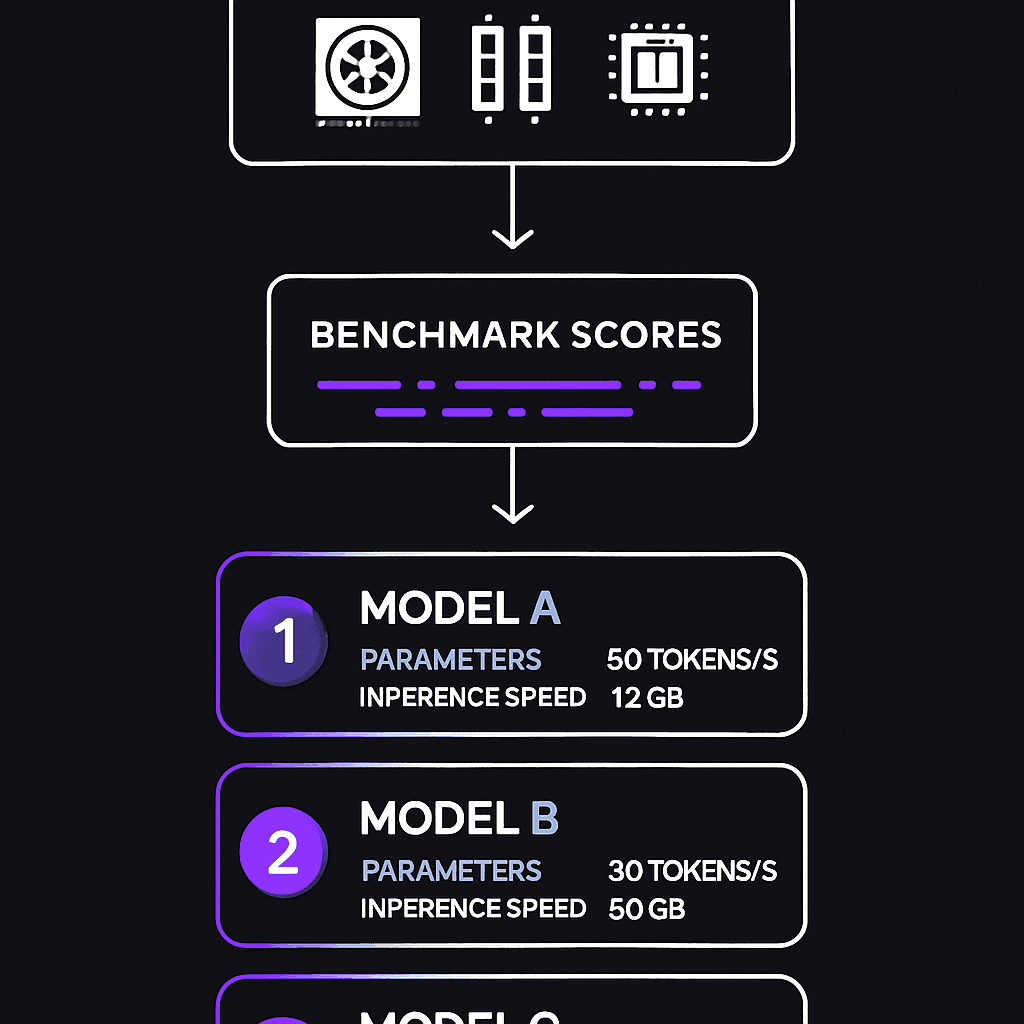
WhichLLM is a command-line tool that answers the question: which LLM will actually run well on my laptop? You tell it your hardware specs—GPU model, VRAM, CPU cores—and it returns a ranked list of models based on benchmark performance, not guesswork. Think of it as a matchmaker between your silicon and model weights.
Why it matters
Most people waste hours installing 7B, 13B, or 34B models that either crawl or crash on their hardware. This tool front-loads that research: see which models are proven to run fast on systems similar to yours before downloading 20GB files. If you run local LLMs for privacy, cost, or offline work, this saves you the benchmark-reading phase.
Key details
- •Open-source GitHub project (Andyyyy64/whichllm) — install via command line
- •Uses benchmark data to rank models, filtering by your specific hardware constraints
- •Solves the VRAM guessing game: see which model sizes actually fit and perform on your GPU
- •Targets users running Ollama, LM Studio, or other local inference tools
- •Replaces manual searching through leaderboards and model cards
Worth watching
 0:17
0:17m4 mac mini power draw is negligible
Alex Ziskind
Directly relevant to understanding hardware constraints for running local LLMs, as it examines power consumption of the M4 Mac mini—critical information for benchmarking and selecting appropriate hardware.
 13:36
13:36What is Kaggle & How to Use Kaggle? Kaggle Tutorial for Beginners - Full Walkthrough
WsCube Tech
Provides foundational knowledge on Kaggle, where many LLM benchmarks and datasets are hosted, making it useful for understanding where benchmark data comes from and how to access performance comparisons.
Video data provided by YouTube. Videos link to youtube.com.