Show HN: AI CAD Harness
What it is
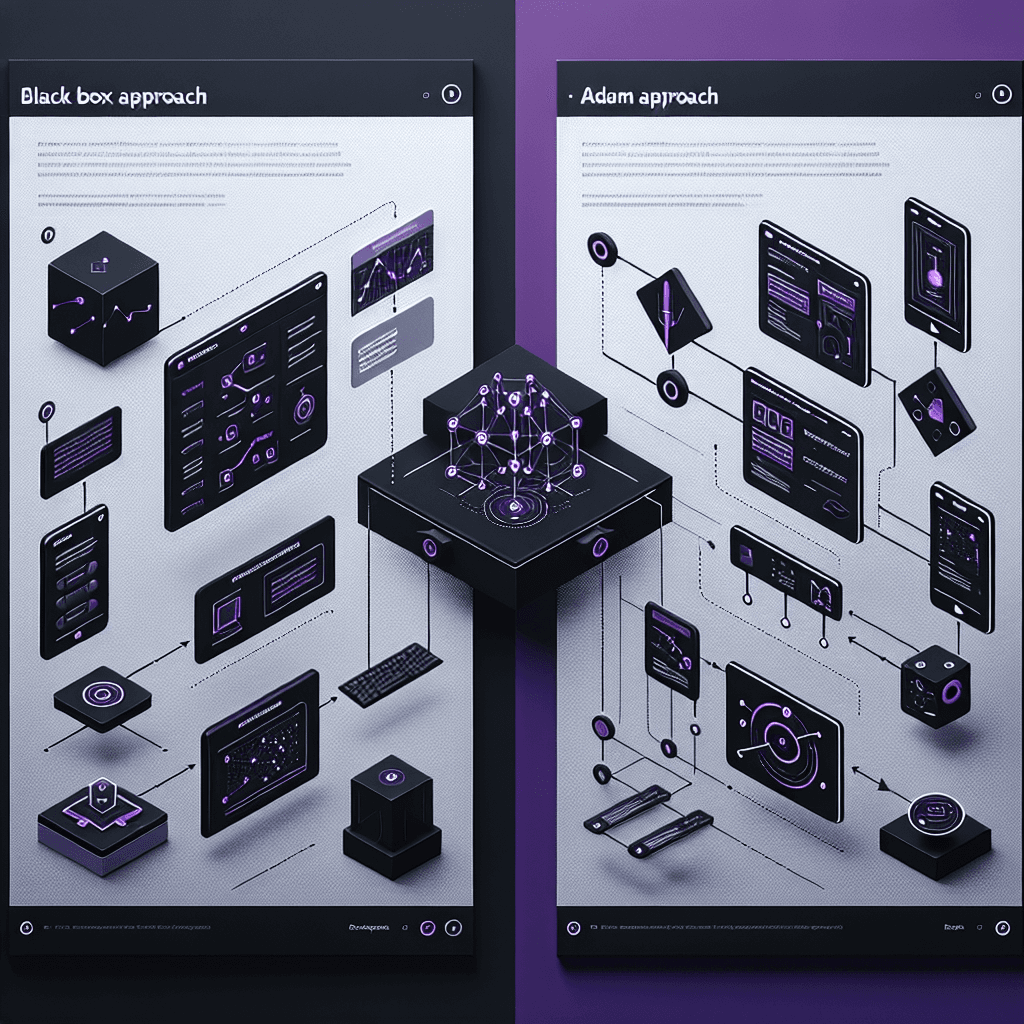
Adam is an AI assistant that lives inside Autodesk Fusion 360, the popular CAD software. Instead of prompting a web app and getting a finished 3D model you can't edit, you work in your normal CAD environment while Adam helps you design. Think of it as GitHub Copilot for mechanical engineering—it suggests features, helps with modeling tasks, but you see and control every step in the native feature tree.
Why it matters
If you do CAD work, this is the pattern to watch: AI embedded in professional tools, not replacing them. The founders tried the flashy demo route (text-to-STL generators) and learned that pros don't trust black boxes. This approach keeps your workflow, your software, your editability—just adds intelligence. If it works, expect every CAD platform to follow.
Key details
- •Available now as a Fusion 360 plugin at fusion.adam.new/install
- •Built by the team behind previous HN text-to-CAD experiments that got feedback about lack of control
- •Maintains full visibility into the CAD feature tree, unlike standalone generators that output opaque STL files
- •Designed for mechanical engineers who need to understand and modify every design step
- •Follows the 'copilot inside tools' model rather than 'replace the tool' model
Worth watching
 0:14
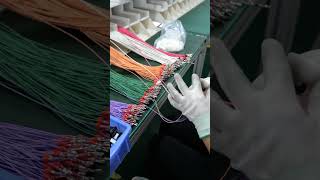
0:14Wire harness processing process.
automotive wiring harness factory
This video demonstrates actual wire harness processing workflows in an automotive factory, providing practical context for understanding the real-world manufacturing challenges that AI CAD harness tools are designed to solve.
 0:12
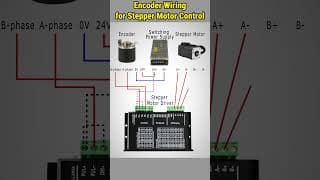
0:12Encoder Wiring for Stepper Motor Control #howto #steppermotor #wiring #encoder
ATO Automation
This encoder and stepper motor wiring tutorial shows detailed connector and cable routing techniques that are fundamental to harness design and would be valuable reference material for anyone building or understanding AI CAD harness solutions.
Video data provided by YouTube. Videos link to youtube.com.